
iPhoneTricks.org

iOS, watchOS, macOS & more!

  • Home
  • About
  • Contact
  • Bugs?
  • Review?
  • Giveaways
share on facebook youtube share on twitter share on twitter
  • iOS 17.6
  • iPadOS 17.6
  • macOS 14.6
  • watchOS 10.6
  • tvOS 17.6
  • HomePod 17.6
  • AirPods 6.5
  • Safari 17.6
  • visionOS 1.3
  • iPhone 15 Pro
  • iPhone 15
  • Apple Watch 9
  • Apple Watch Ultra 2
  • AirPods Pro 2
  • HomePod 2
  • Vision Pro

iPhone Tricks > News

macOS Ventura Login Screen Loading Forever? (Fix!)
Posted in News, TILs by Vlad on November 1, 2022

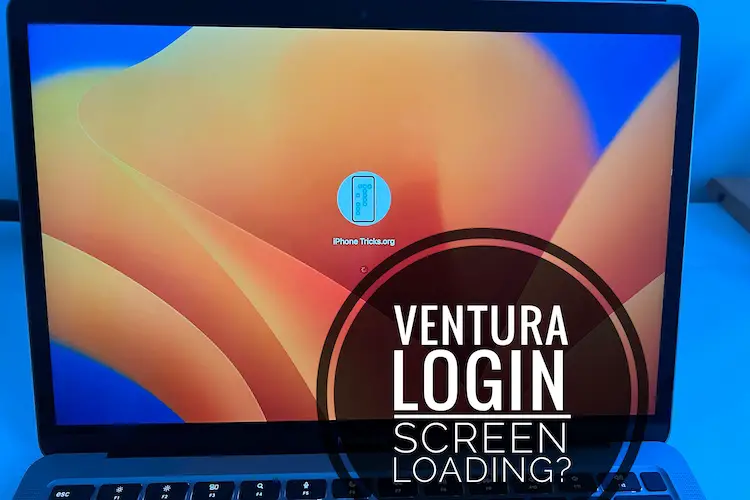
macOS Ventura login screen loading

macOS Ventura login screen loading


macOS Ventura login screen stuck on loading? You’re trying to sign into your Mac but the loading bar takes forever to complete? You type the account’s password and it takes more than one minute for the login process to complete?

macOS Ventura Login Taking Too Long?

This problem has been reported by Mia:

“Signing into my Mac takes a long time after the Ventura update. A progress bar is shown. Is this normal?”

We’ve found a similar complaint on Reddit:

“M2 MacBook Air taking for ever to sign in!”

How To Fix macOS Ventura Loading Login

Macs especially those packing Apple Silicon chips are known for their instant wakeup times and quick login interface. However, it seems that in these cases, the computer is performing additional scans!

In this case the culprit seems to be the FileVault security option. If it’s enabled on your computer, data is encrypted for protection and log-in will take longer.

If you’ve accidentally enabled it and don’t really need it you can easily disable it in:
System Settings -> Privacy & Security -> FileVault (Thanks Snooklefloop for the fix!)

Does this help? Is the login process in macOS Ventura still taking too long to complete? Do you have a better solution or other problems to report? Share your feedback in the comments.

Related: For more macOS Ventura problems and their available workarounds check our extended review.

Tags:LoadingLoginMacMacBookmacOS VenturaScreenSign In

Previous Post
Next Post


3 Responses to macOS Ventura Login Screen Loading Forever? (Fix!)

  1. japierdole says:
    November 3, 2022 at 10:01 am

    *censored* solution like that, when i want my filevault on

    Reply
  2. Tatjana says:
    December 23, 2022 at 5:39 pm

    This solution doesn’t work. My problem persist.

    Reply
    • Patricia says:
      December 23, 2022 at 6:23 pm

      Sorry to hear this. Have you updated to macOS 13.1?

      Reply

Leave a Reply Cancel reply

Your email address will not be published. Required fields are marked *

This site uses Akismet to reduce spam. Learn how your comment data is processed.

  • Recent Posts

    • iOS 17.6 Problems, Bug Fixes, Security Improvements & More
    • How To Change Lock Screen Shortcuts On iPhone In iOS 18
    • Overnight Vitals Widget On iPhone Lock Screen! (iOS 18)
    • iOS 18 Dynamic Wallpaper Changes Color With Time
    • How To Quickly Turn Off iPhone In iOS 18
    • 10 Apple Black Friday Amazon 2023 Deals (Save Up To 28%)
    • How To Use ChatGPT Voice Free On iPhone And Other Devices
    • How To Remove Silent Icon From iPhone 15 Status Bar (iOS 17)
    • Pipidae Will Damage Your Computer? Malware On Mac? (Fix!)
    • AirPods 6.1 (6B32) Issues, Fixes & Improvements (AP Pro 2)
  • Categories                      

    • Accessories
    • Apple Sales
    • Apps or Games
    • Bug Fixes
    • Deals
    • Errors and Issues
    • Freebies
    • How To
    • Jailbreaking
    • Leaks and Rumors
    • News
    • Reviews
    • TILs
Copyright © 2014 - 2023 iPhoneTricks.org
This website is not owned, licensed or affiliated with Apple Inc.
The content of this website is not supplied or reviewed by Apple Inc.
iPhone is a trademark of Apple Inc. For more info please read our Disclaimer.
  • Privacy & Cookie Policy